Home Energy Management
Lower electricity bills start with smarter scheduling.
Our scheduling feature puts you in control by automating your energy usage during times when electricity costs less, whether you're automatically charging your car during off-peak times or scheduling a smart plug, battery, or third-party device to turn on and off. Sync with your utility's rates or set a custom schedule, and you'll automatically avoid higher costs during peak hours.
Getting started with smart scheduling is simple:
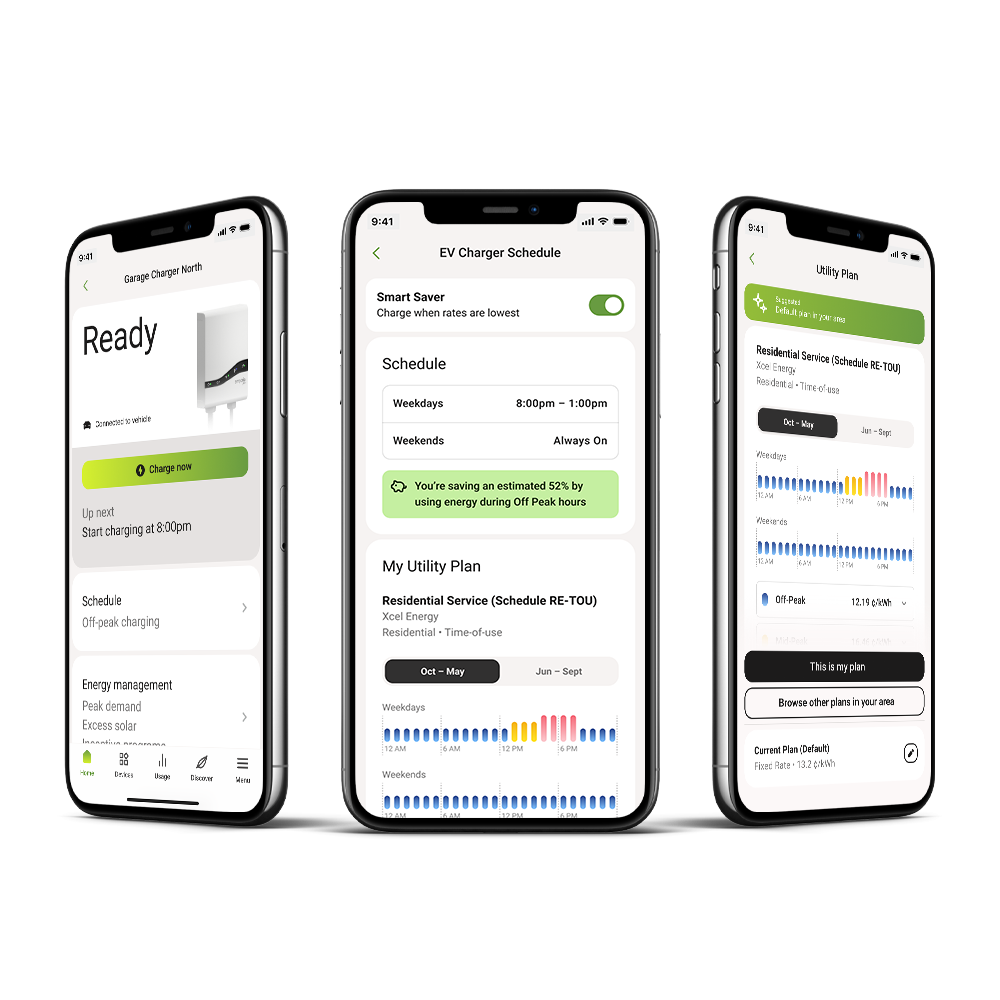
Emporia App
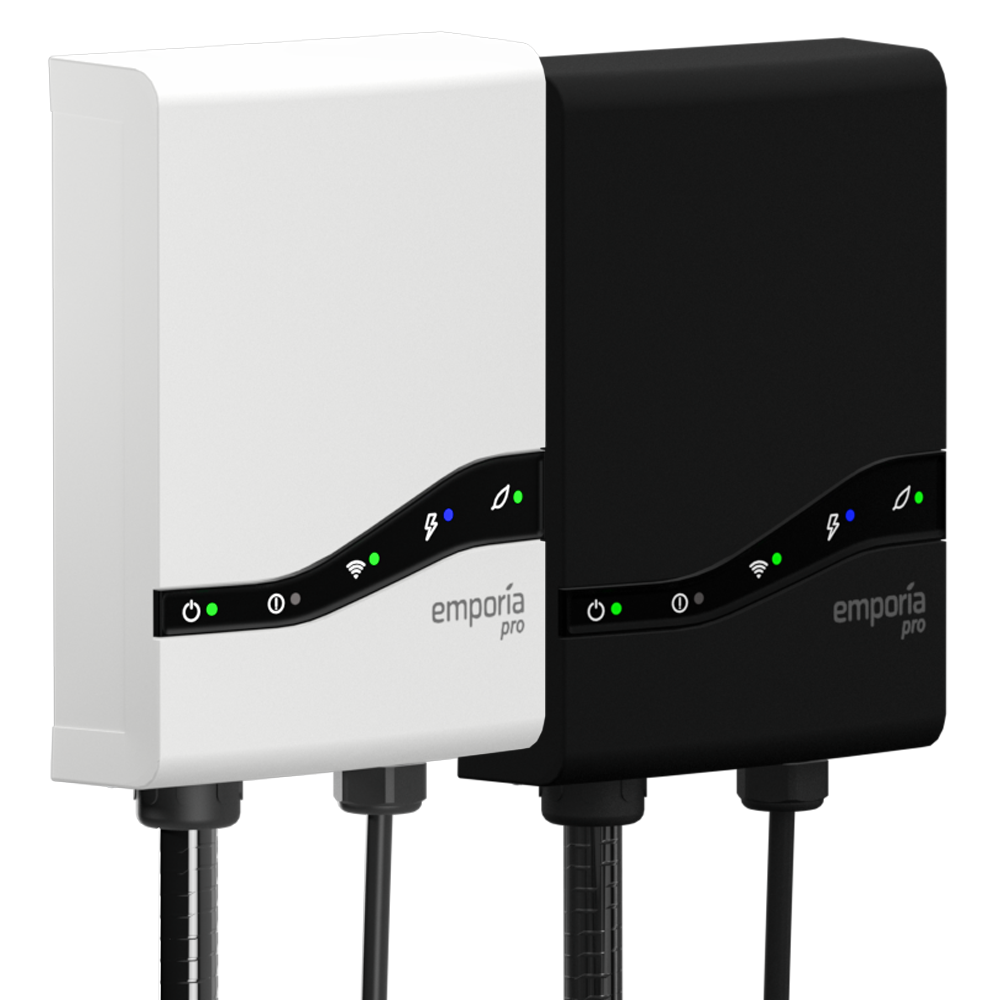
One or more connected devices (EV chargers, smart plugs, and more)
Once you've activated Off Peak Schedules for your device, our home energy management platform automatically powers on that device only during the most affordable times of day. If you select your specific utility rate plan in the Emporia App, the platform intelligently tracks and responds to seasonal rate changes, adjusting as those cheaper times shift throughout the year.
More utilities are moving from flat rates to time-based pricing, making electricity more affordable during certain hours and more expensive during others. Smart Scheduling helps you take charge by running your connected devices when rates are lowest, so you save money without even thinking about it.
Instead of manually powering devices on and off throughout the day, or waiting to charge your EV until peak rates have passed, our Time of Use Management tools let you set it and forget it. Connect your devices, sync to your utility plan or create a schedule, and let the Emporia Home Energy Management Platform handle the rest.
With the Emporia App, saving money with Smart Scheduling is effortless. Select the device you want to schedule and either enable Smart Scheduling for your utility rate plan or create a custom schedule. Your connected devices like EV chargers and smart plugs will power on and off according to your utility rate plan or your custom schedule.
Learn MoreSmart Scheduling puts your EV charging and home devices on the cheapest rates automatically.